白皮书下载
Write area
1、 Video example
To be launched.
2、 Function description
Fill a two-dimensional array in the specified area in the excel file.
3、 Attribute description
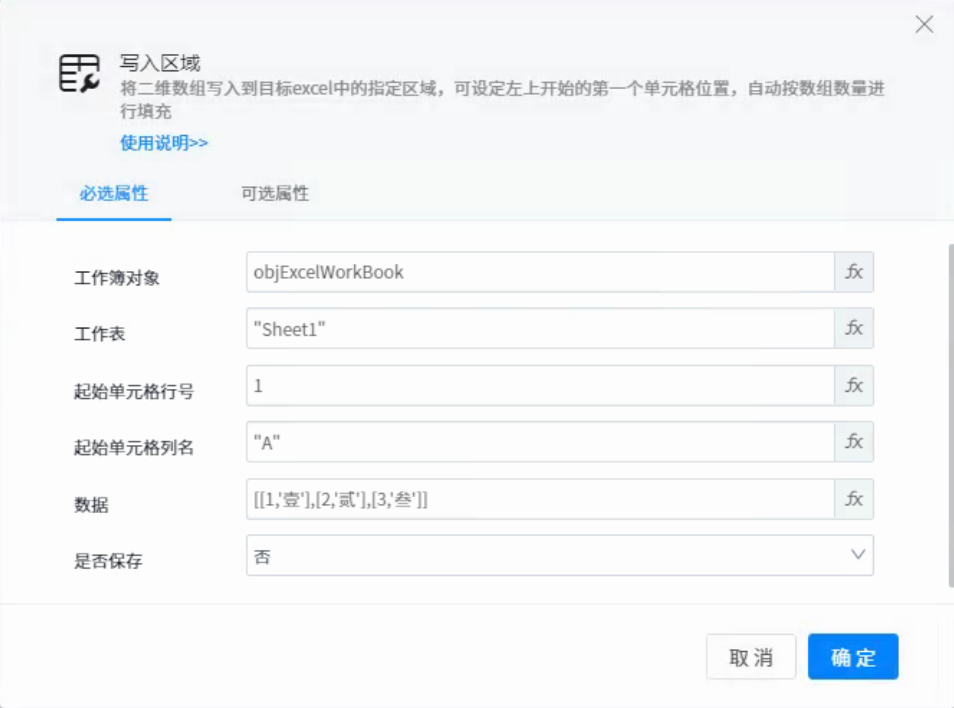
●Workbook object: the excel workbook object variable that has been opened.
●Worksheet: the name of a table in the Workbook: for example: "Sheet1".
●Start cell line number: the line number at which to start writing to the cell.
●Start cell column name: start writing the column name of the cell.
●data: data to be written: for example: [1, & lsquo; one & lsquo;, [2, & lsquo; two & lsquo;], [3, & lsquo; three & lsquo;], indicating that [1, & lsquo; one & lsquo;] & ldquo; A1” Write 1, & ldquo; A2” Write one, & ldquo; B1” Write 2, & ldquo; B2” Write two.
●Save: whether to save after writing.
4、 Use example
1. Execution logic
Open excel and start writing content from row 1, column a.

2. Output results
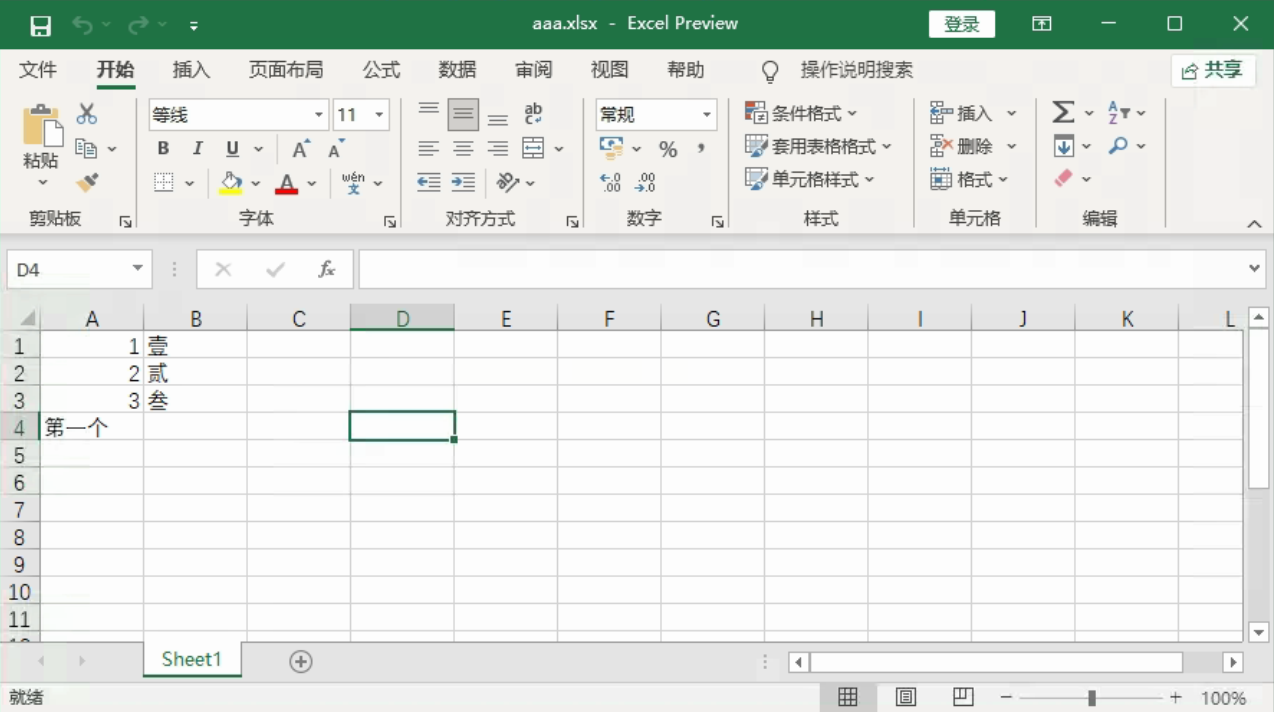
Original data
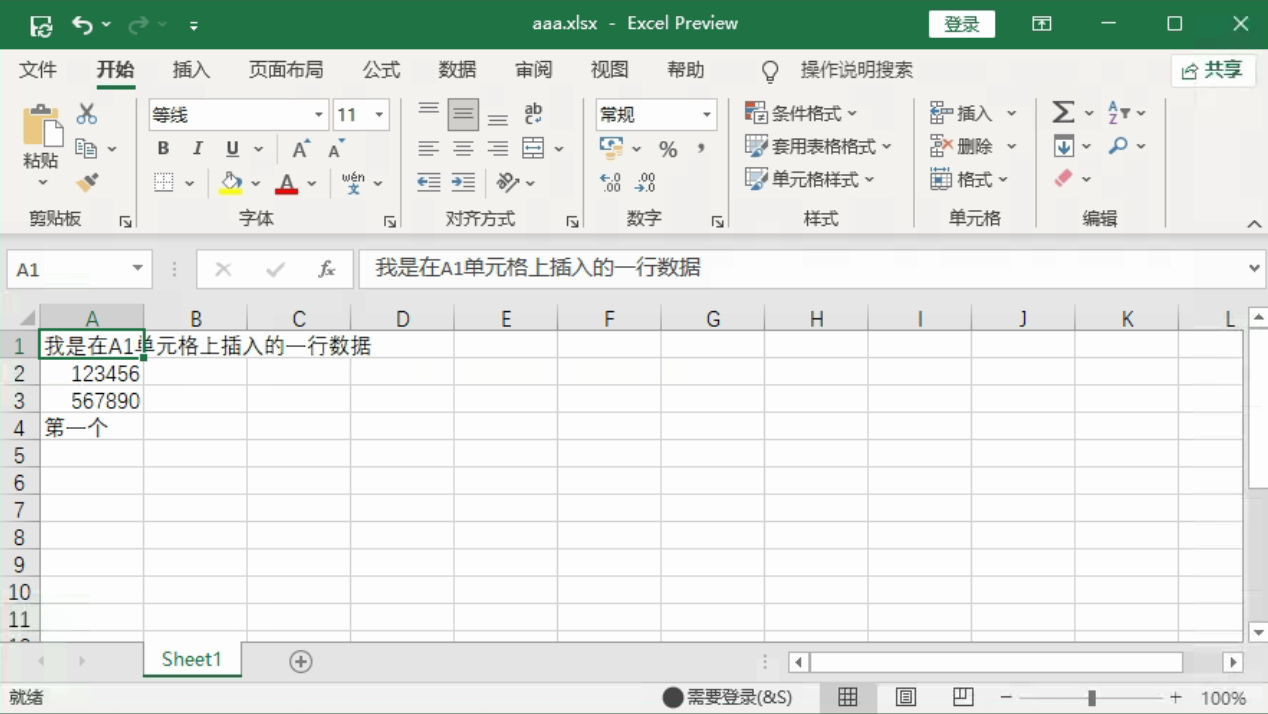
Post execution data