白皮书下载
实在智能Agent产品白皮书 V.7.3.4.pdf
Set row height
发刊日期:
2021/10/15
编辑团队:
实在学院
1、 Video example
To be launched.
2、 Function description
Sets the row height of the specified row in the excel file.
3、 Attribute description
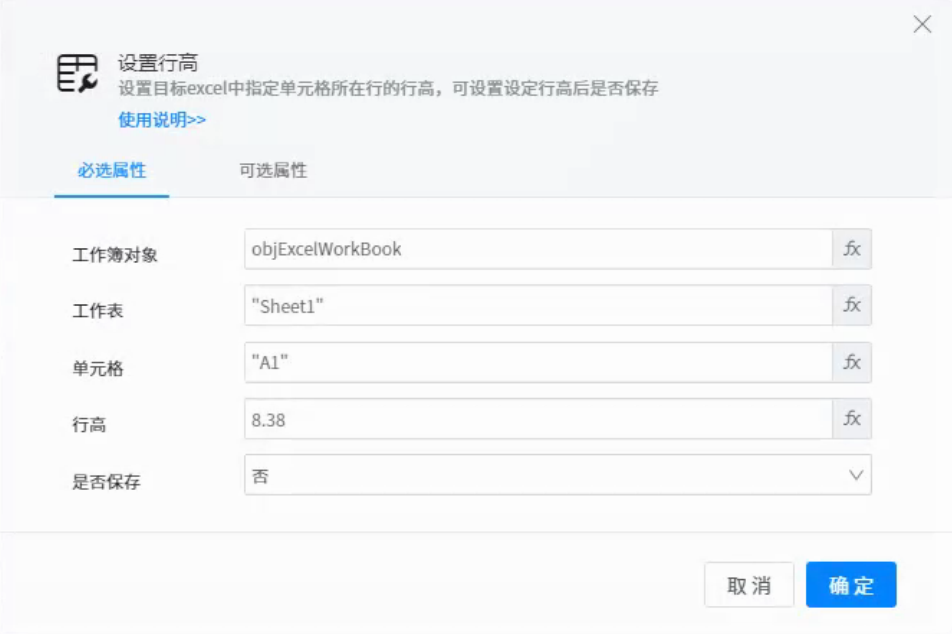
●Workbook object: the excel workbook object variable that has been opened.
●Worksheet: the name of a table in the Workbook: for example: "Sheet1".
●Cell: the column in which the cell is located, for example, & ldquo; A1” Represents the first line.
●Row height: the value to set the row height; Example: 8 indicates that the height of the first row is set to 8.
4、 Use example
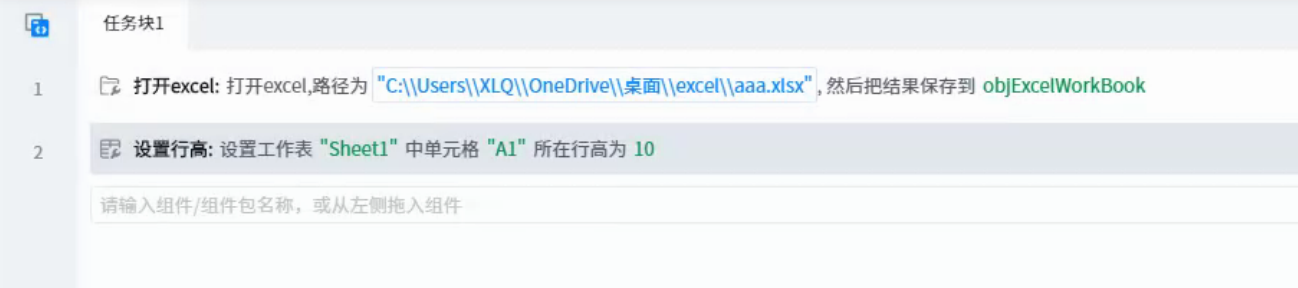
1. Execution logic
Open excel and set the row height of Sheet1 cell A1 to 10.
2. Output results
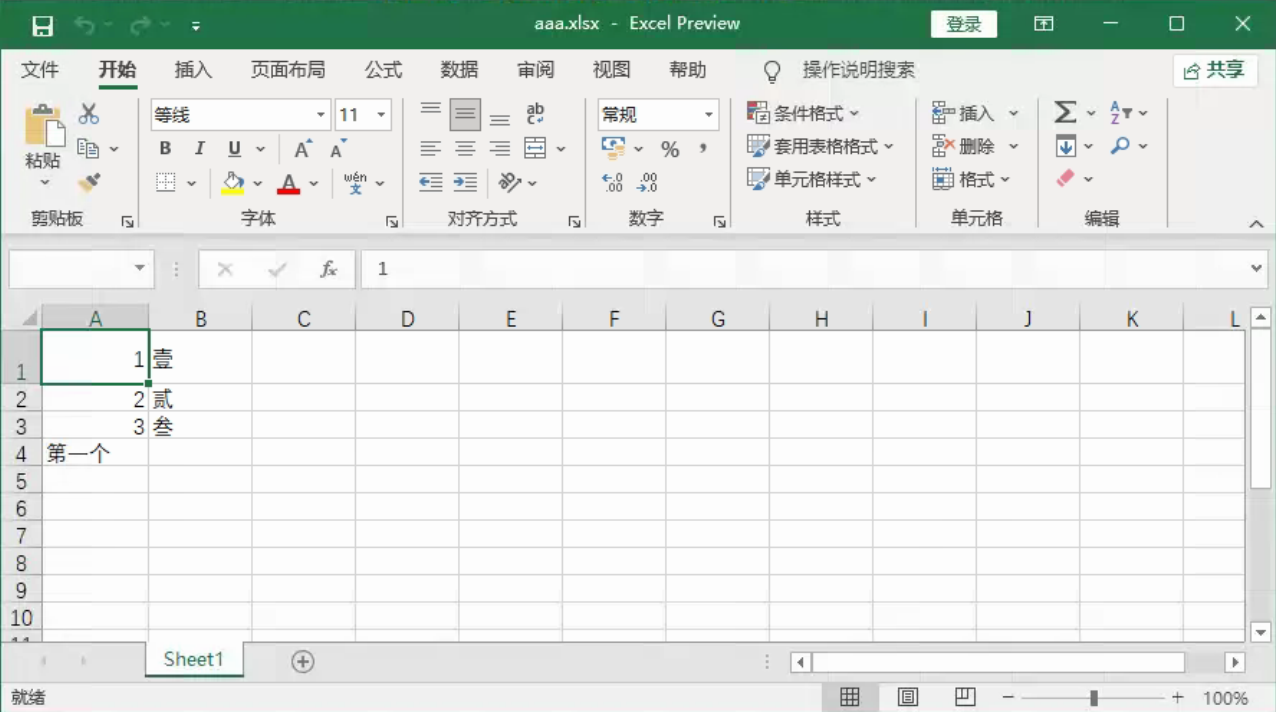
Original data
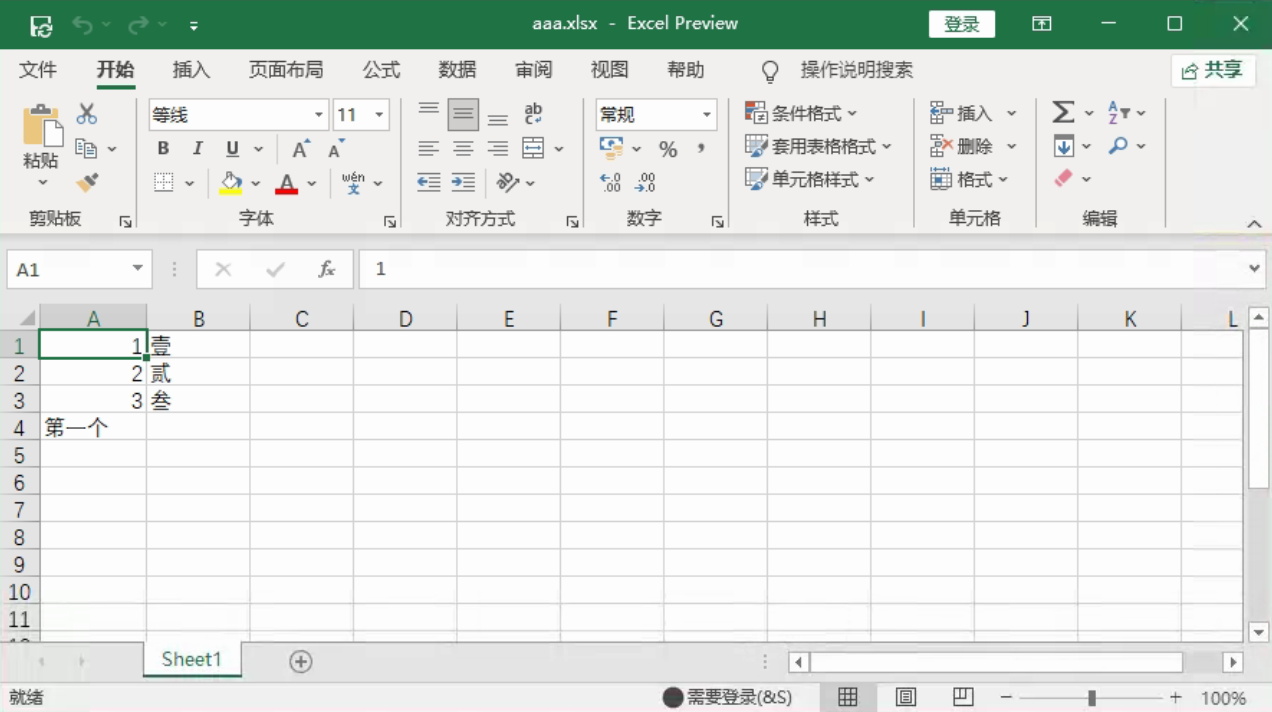
Post execution data